
Refresh Video: Get A Gravatar Image!
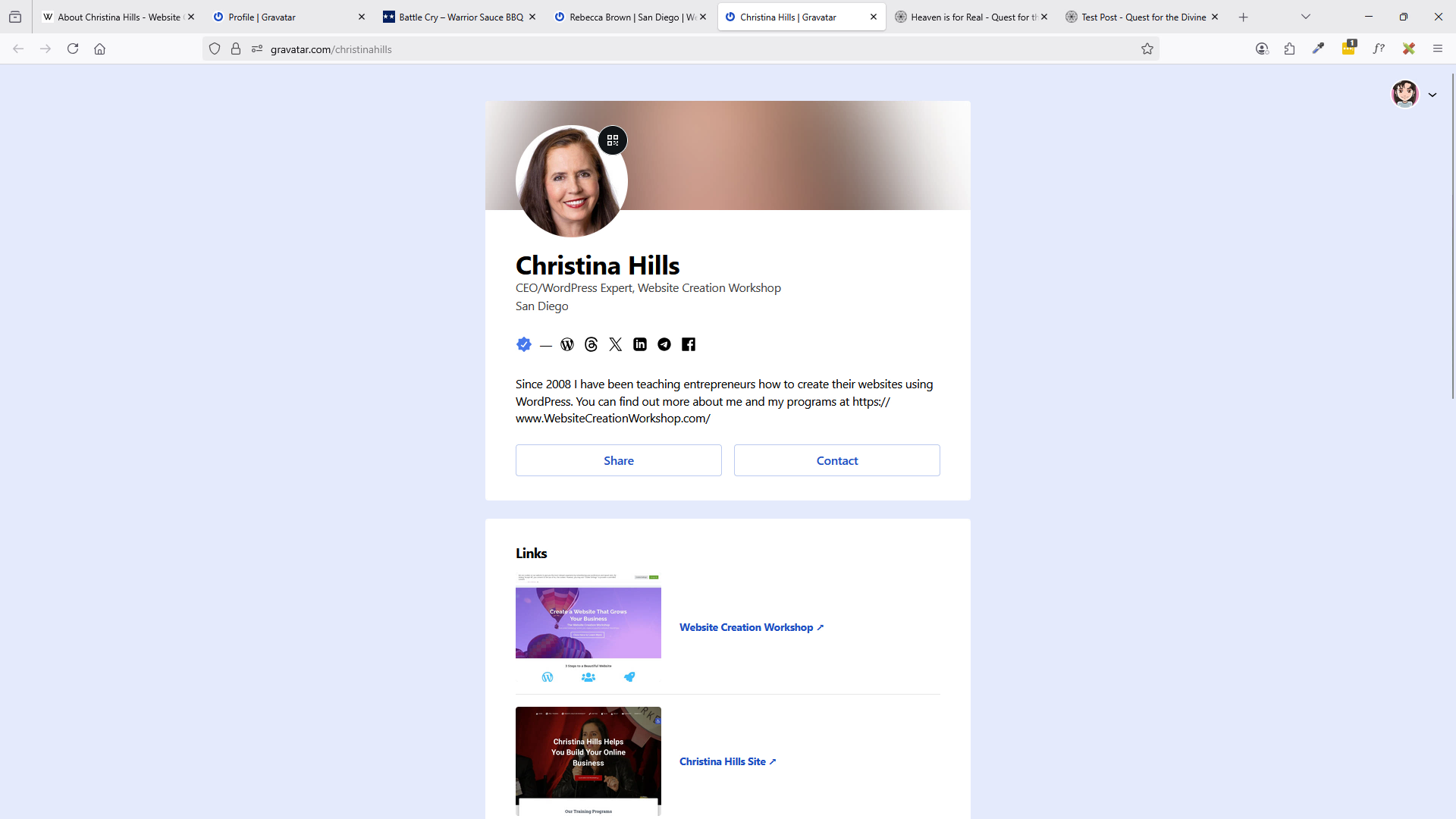
In this video, Christina explains what a Gravatar is and demonstrates how to sign up for one as well as uploading an image to the account. If you do not yet have a Gravatar photo, then you’ll want to get that by watching this short video and going to gravatar.com. Once you do this then your photo will show up on your author bio. (Length 6 min 8 sec)
Enjoy the video!
Getting a Gravatar Account
- Go to Gravatar.com and open a free account so that you can have a Gravatar Photo and profile on the web when you comment on your own WordPress sites, or any other WordPress site.Q: I signed up for a gravatar at http://www.gravatar.com
Why isn’t my photo showing up on my posts?A: Wait a while. It sometimes takes up to 48 hours for the gravatar to populate your comments and posts. Because you can attach your gravatar to multiple email accounts, make sure your gravatar is tied to the email you’re using for the Website Marketing Workshop.
We have a special private page where you may test your Gravatar.com image. Go here: https://wmwprogram.com/modules/refresh/check-gravatar/
How to Check to See if you Have a Gravatar Account Already:
You can check to see if your email address is associated with a Gravatar account already with this tool https://gravatar.com/site/check
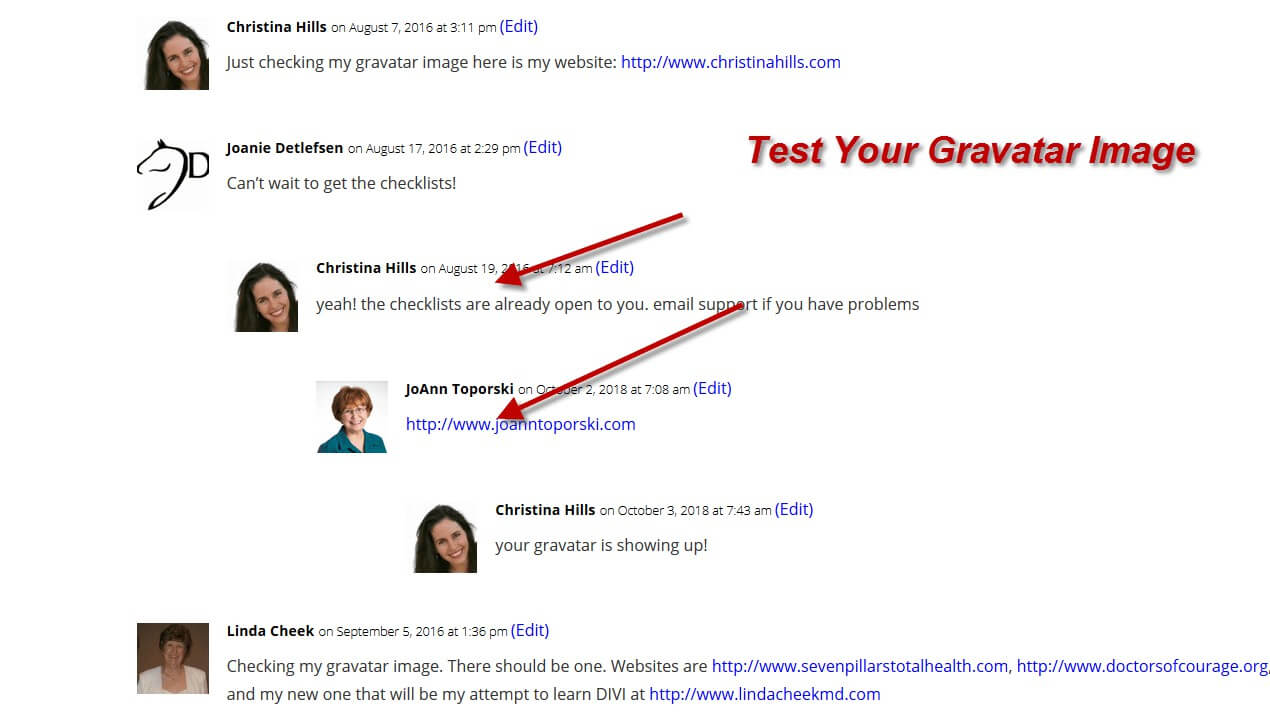
Test Your Gravatar!
Private page where you may test out your Gravatar.com image.
PDF Checklist
Click Here for the Checklist